
Collaborate
Trace Intercept enables structured, shared review of assets across teams and stakeholders.
Because the platform is entirely browser-based, participants can view the same asset simultaneously without specialised software or file transfers.
Collaboration supports faster triage, clearer decision-making, and improved shared understanding of asset condition.
Purpose of Collaboration
Collaboration in Trace Intercept allows teams to:
• Review assets remotely
• Share exact visual context
• Compare capture dates together
• Align interpretations across disciplines
• Record agreed observations
• Reduce repeat site visits
Collaboration can occur within a single team or across multiple internal and external stakeholders.
Sharing What You Are Seeing
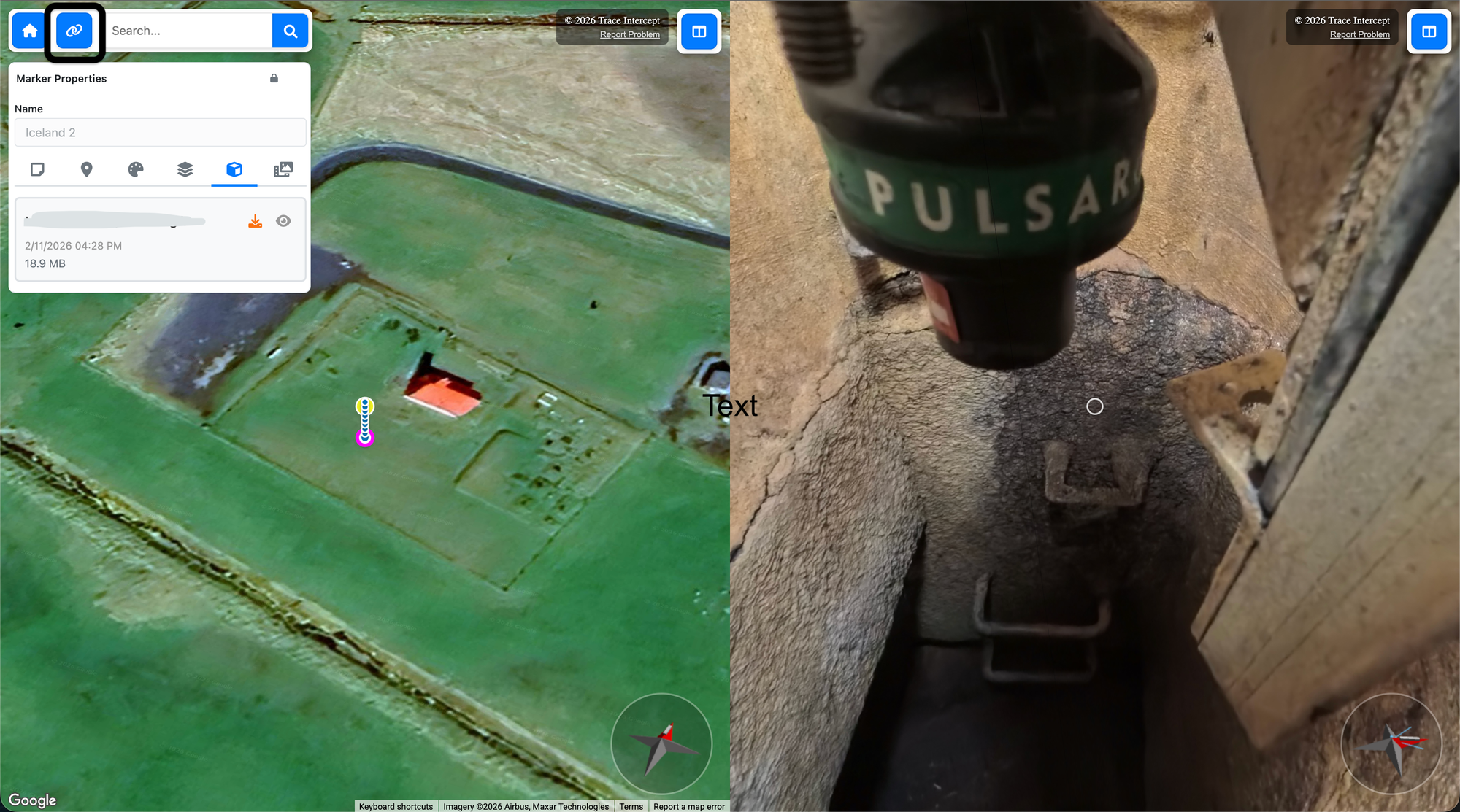
Trace Intercept uses permalinks to preserve the exact state of an asset view.
A permalink preserves:
• Map position
• Map orientation
• Zoom level
• Active shot sequence
• Image orientation
• Image zoom
When another user opens the permalink, they see the same view you were reviewing.
How to Share a View
- Navigate to the exact asset and image state
- Adjust zoom and orientation as needed
- Click the permalink button and the link will be in your paste buffer
- Paste the link into email, chat, or meeting tools
Recipients can open the link directly in a browser if they have permissions for the application.
Using permalinks ensures alignment across participants and avoids version confusion.
Running a Structured Asset Review Session
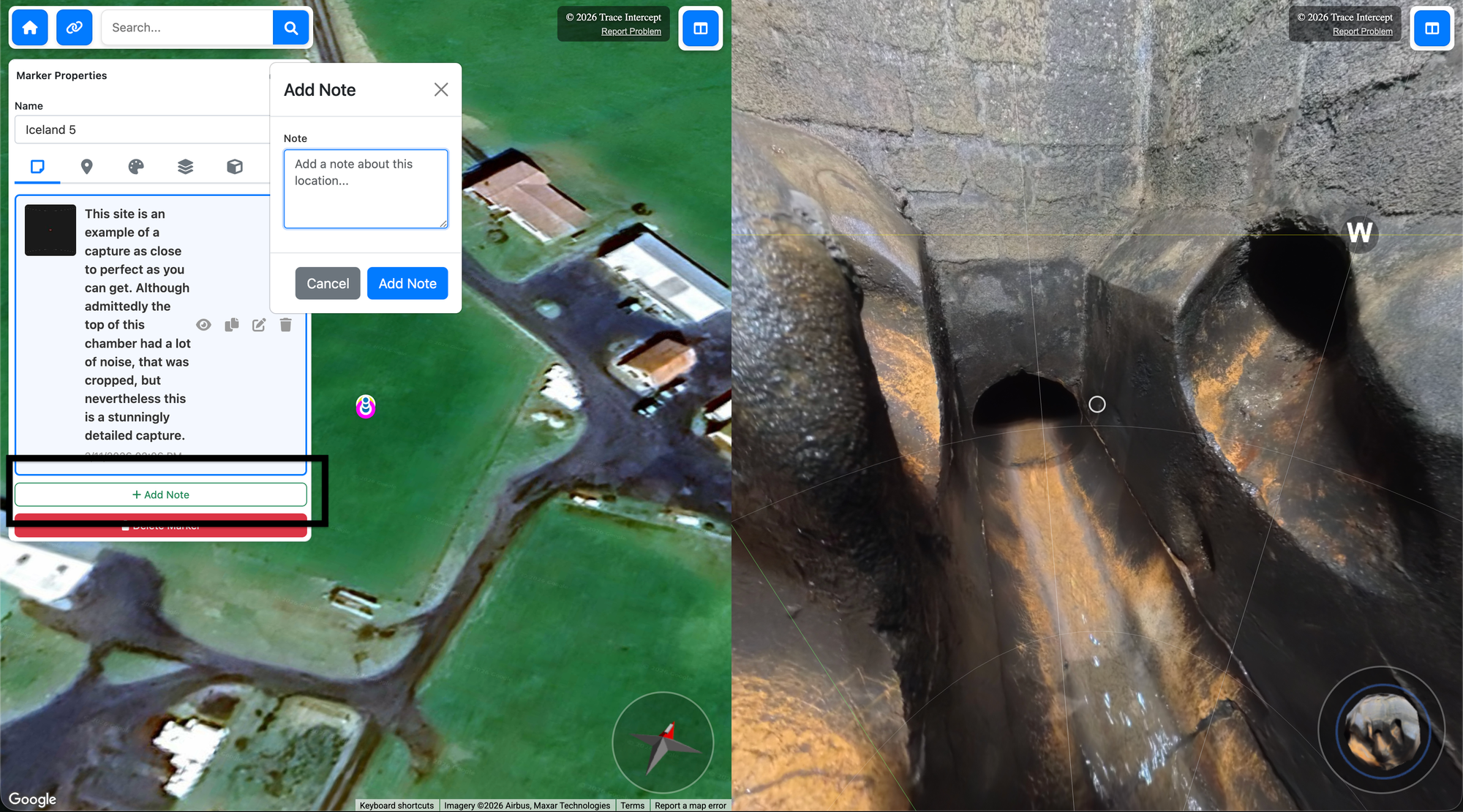
Trace Intercept can be used during live review sessions, including virtual meetings.
A typical session format:
- Select the asset in the map
- Share the permalink with participants
- Confirm all participants see the same view
- Navigate through the shot sequence
- Review inlet, outlet, and structural features
- Switch between capture dates if relevant
- Add notes during discussion. The Notes
- Move to the next asset
This process can be repeated across multiple assets within a single session.
Cross-Asset Triage
Trace Intercept supports structured triage across several assets in sequence.
Common use cases include:
• Condition prioritisation
• Capital planning discussions
• Flood or incident review
• Contractor alignment
• Cross-catchment analysis
A typical triage workflow:
- Identify the asset list
- Navigate to each asset using search or map
- Share the current permalink
- Review imagery
- Record observations or decisions
- Proceed to the next asset
Because the system preserves exact viewing state, discussion remains consistent across participants.
Leading Practices for Effective Sessions
For consistent collaboration:
• Get cross-functional stakeholders to the virtual table
• Share permalinks as well as sharing screens
• Compare historical captures where relevant
• Record observations directly in the platform using Notes feature, which preserves context
These practices improve clarity and reduce ambiguity.
Your organisation may define additional meeting or review protocols.
Recording Outcomes
During or after a collaborative session, you may:
• Create notes
• Share updated permalinks
• Document agreed actions
See Evidence for structured documentation guidance.
Using Reconstruction in Collaborative Sessions (If Enabled)
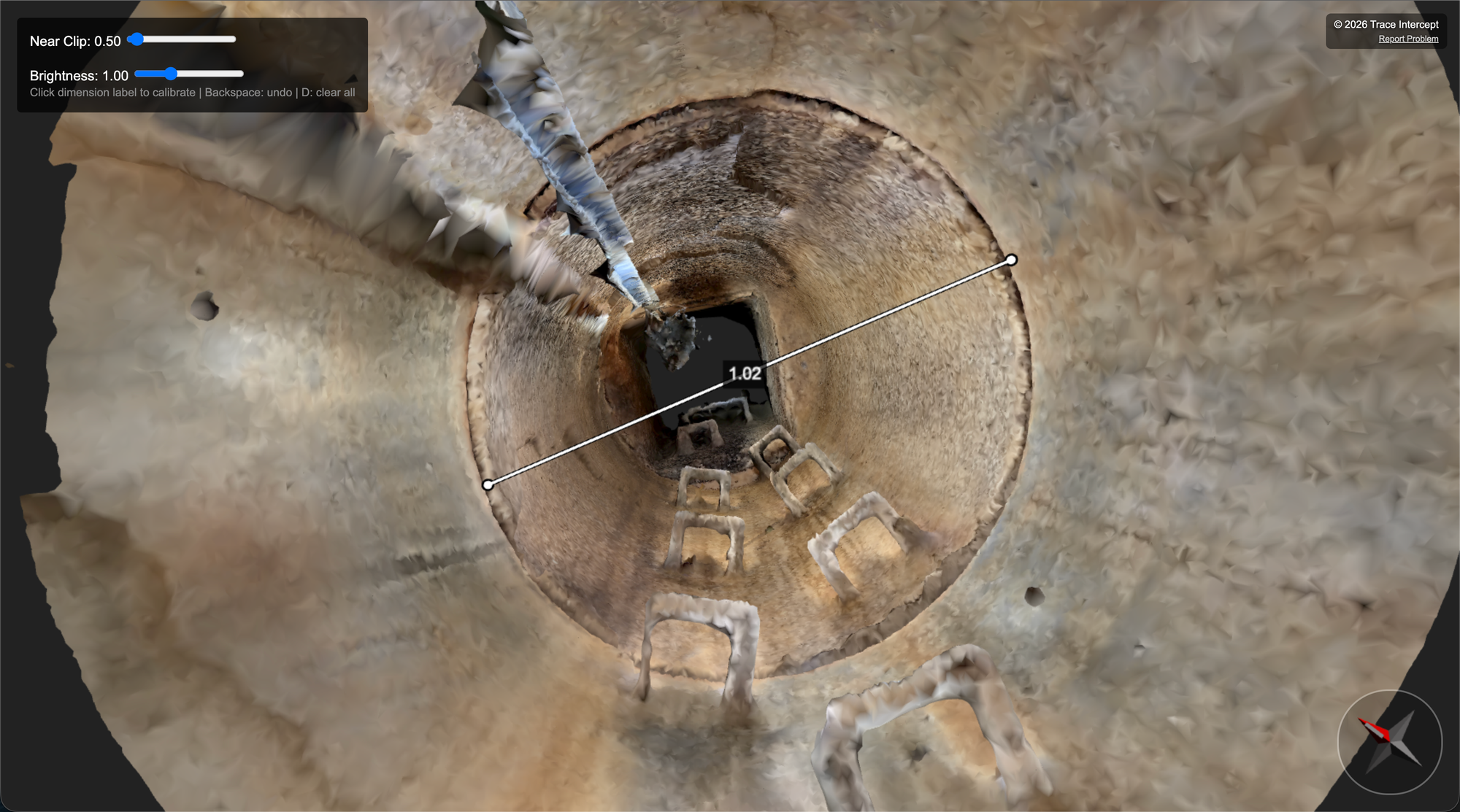
If the Reconstruction module is enabled for your organisation:
• Reconstruction can be opened during review sessions
• Measurements may be taken live where required
• Calibration should already be complete if specified by internal procedures
Reconstruction is not required for standard collaborative inspection.
See Reconstruction for more information.
Next Steps
After a collaborative review session, you may:
• Record formal notes or defect reports
• Share follow-up permalinks
• Initiate internal workflows
• Proceed to reconstruction and measurement if required
Collaboration in Trace Intercept is designed to support shared understanding, reduce silos, and improve the quality of asset decisions.
Choose Your Starting Point
If you are rolling Trace Intercept out → Start with Enablement
If you are preparing for a site visit → Start with Plan
If you capture assets → Start with Capture
If you review assets → Start with Inspect
If you run joint sessions → See Collaborate
If you provide formal documentation → See Evidence
If reconstruction is enabled → See Reconstruction
If you are considering process change → See Transformation
If you have questions → See FAQ
Still need help? → See Support & SLAs